Analog Input to LED Control
Introduction
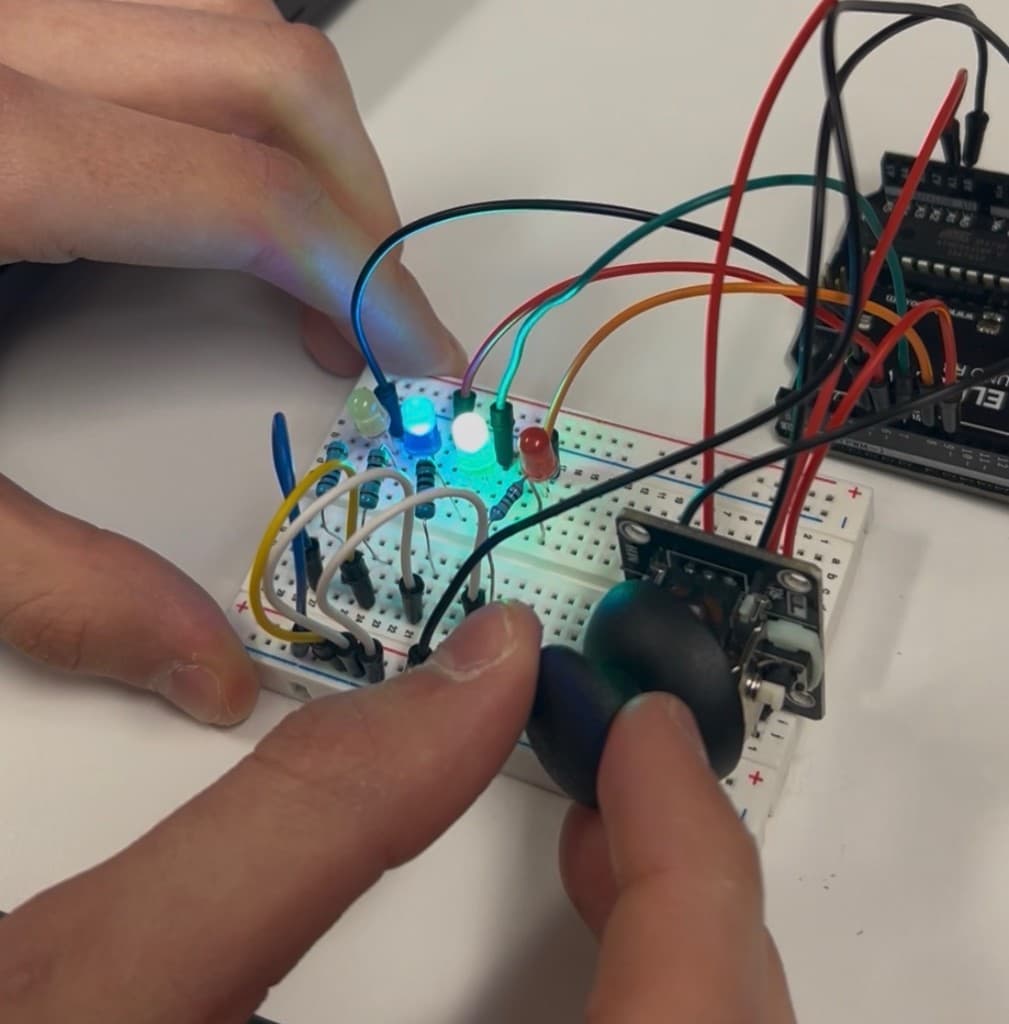
For this project, I worked on reading an analog input and then using that information to control real outputs, which is one of the most important ideas in embedded systems. I used an Arduino Uno and a joystick module that has two built in potentiometers, one for the X direction and one for the Y direction. The Arduino reads each axis as an analog value from 0 to 1023, and the goal was to turn those readings into something physical and easy to understand. To do that, I wired four LEDs as outputs so the joystick position would light up different LEDs depending on which direction it was pushed. I also used the joystick's pushbutton switch so that when it is pressed, all LEDs turn on at the same time.
Process
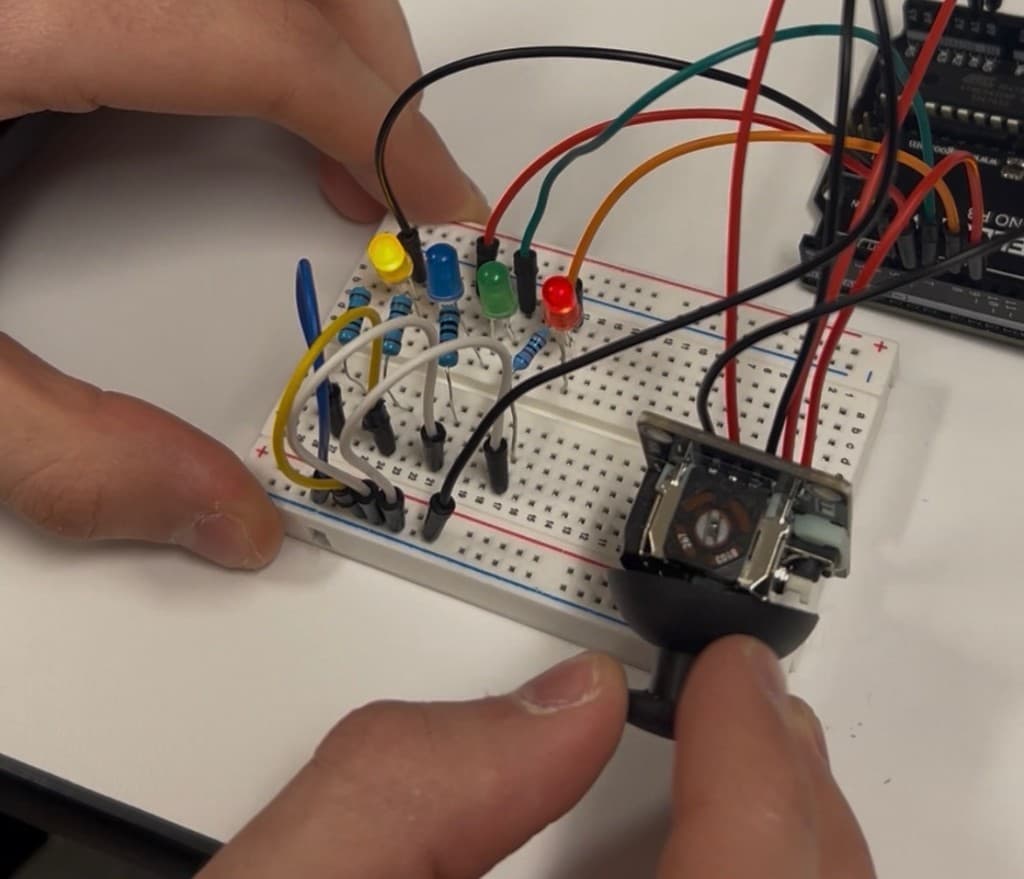
I started by wiring the joystick to the Arduino. The joystick needed 5V and GND for power, then the VRx and VRy pins were connected to analog inputs A0 and A1 so the Arduino could read the two axis values. The switch pin was connected to a digital input so the Arduino could detect when the joystick was pressed. After that, I wired four LEDs to digital output pins, each with a 1k resistor to limit current and protect the LEDs.
In code, I continuously read the joystick values using analogRead() for A0 and A1, which gave me numbers from 0 to 1023. Then I converted those readings into "zones" so the LEDs would respond in a clear way instead of flickering constantly. Around the neutral position, the joystick reads close to the middle value (around 512), so I created a dead zone in the center where all LEDs stay off. If the X value moved past a set threshold to the right, I turned on the "right" LED, and if it moved left past the threshold, I turned on the "left" LED. I did the same thing for the Y axis, so pushing up turned on the "up" LED and pushing down turned on the "down" LED. Finally, I added the switch behavior so that if the button was pressed, it overrides everything and turns all four LEDs on at once. I tested it by watching the serial monitor and adjusting thresholds until the joystick felt stable and the LEDs changed cleanly when crossing into different regions.
Real World Impact / Conclusion
This project is a real example of how controllers and sensors interact with embedded systems in everyday technology. A joystick is basically a sensor that outputs analog voltage changes, and the Arduino converts that into digital information that can control something else. The same idea is used in game controllers, robots, drones, and machines where you need human input to translate into motion or actions. The dead zone concept is also realistic, because in real systems you need to filter noise so outputs do not rapidly switch when the input is near the center.
Overall, this project helped me understand how analog signals work, how the Arduino reads them, and how to turn raw values into logical decisions. It also showed me how important it is to design the thresholds and switch logic carefully so the outputs feel consistent, predictable, and easy to control.